Dynodine-Rewards
Discover how DynoDine unifies restaurant rewards, allowing customers to view, earn, and redeem points across multiple restaurants in one simple app.
⭐ Coming Soon: The DynoDine Unified Rewards System
Restaurant reward points are becoming more popular, but customers often face a major challenge:
There is no single place to check or redeem the points they earn.
Different restaurants use different POS systems, and while some restaurants do add reward points to their customers’ profiles, most customers never know:
- How many points they actually have
- Whether their points expired
- How to redeem them
- Which restaurant rewards belong to which app
And realistically, customers cannot install 10+ different restaurant apps just to track their rewards.
DynoDine solves this problem with a simple, powerful, unified platform.
⭐ One App for All Restaurant Rewards
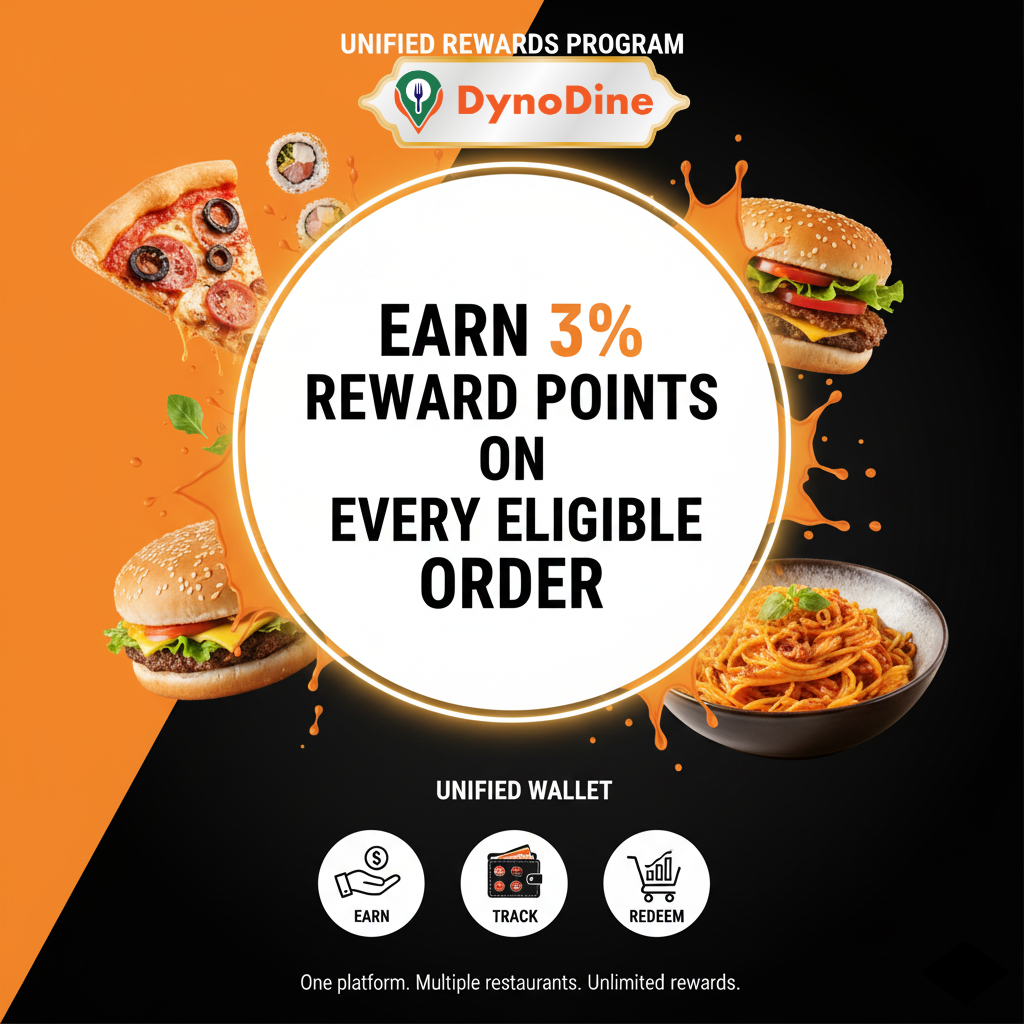
DynoDine is introducing a unified rewards system that brings together reward points from all participating restaurants into one single app.
🌟 How it helps customers:
✔ View all restaurant rewards in one place
Customers can see their reward balances from multiple restaurants inside the DynoDine app — no more searching, calling, or guessing.
✔ Points added by restaurants appear instantly
Even if the restaurant adds points through their own POS, those points will sync directly to the customer’s DynoDine rewards account.
✔ Redeem rewards on DynoDine
Customers can use their points to purchase:
- Passes
- Deals
- Events
- Special promotions
…for the specific restaurant where they have reward points.
✔ Redeem rewards directly at the restaurant
Customers can use their existing points during a visit to a participating restaurant.
⭐ How to Redeem Rewards at the Restaurant
Redeeming reward points at a restaurant is simple and flexible.
There are two ways a customer can request reward points for their bill.
🔹 Option 1: Customer Requests Points for Their Bill
After dining, the customer can request the restaurant to add reward points to their account. They do this in one of two ways:
a. If they have the DynoDine mobile app
Customers can submit a points request directly from the app by providing:
- Bill number
- Bill amount
The restaurant reviews and approves the request, and points automatically appear in the customer’s DynoDine rewards wallet.
b. If they do NOT have the DynoDine app
No app? No problem.
Customers can visit:
👉 https://DynoDine.com/rewards
There, they simply enter:
- Phone number or email
- Bill number
- Bill amount
The restaurant receives the request and adds the reward points after verification.
This makes the rewards program accessible even for customers who don’t want to install apps.
🔹 Option 2: Customer Asks the Restaurant to Add Points
Some customers prefer an even simpler method.
They can directly ask the restaurant staff to add reward points for their bill.
The restaurant will record the customer’s:
- Phone number or email
- Bill number
- Bill amount
Once submitted, points will sync instantly to the customer’s DynoDine rewards profile.
🌟 Why Restaurants Love DynoDine Rewards
Restaurants no longer need to build their own loyalty apps or rely on outdated systems. DynoDine provides:
- A digital wallet for customer rewards
- A simplified, centralized reward tracking system
- Better customer engagement and repeat visits
- A hassle-free loyalty program without technical burden
Restaurants can focus on serving great food — DynoDine handles the rewards logic, syncing, and customer experience.
🚀 Launching Soon
We’re excited to roll out the DynoDine Unified Rewards System very soon.
This feature will transform how customers earn and redeem points, and will help restaurants offer a smooth, streamlined loyalty experience.
Stay tuned for the official launch and be ready to track all your restaurant rewards — in one single app.